

I built Pysey — a free, open-source desktop emulator for the Critter & Guitari EYESY video synthesizer
I’ve had a Critter & Guitari EYESY for a while now. If you’re not familiar with it: it’s a black box video synthesizer that takes audio and MIDI input and outputs real-time visuals over HDMI. The visuals are generated by Python scripts called “modes” — each mode is a self-contained instrument that responds to audio in its own way. Five hardware knobs control parameters in real time. It’s genuinely great for live performance.
The workflow for developing new modes is not great. You write your Python script, you copy it to the EYESY over a network connection, you restart the mode system, you see if it works. If it doesn’t — which it often doesn’t on the first pass — you go back to your editor, make changes, and do it again. For anything with real visual complexity, that loop gets old fast.
So I built Pysey — a macOS desktop application that emulates the EYESY hardware. Write a mode, run it immediately in the emulator, see exactly what it looks like. No hardware required to develop, no round-trips to a Raspberry Pi to test.
What Pysey actually does
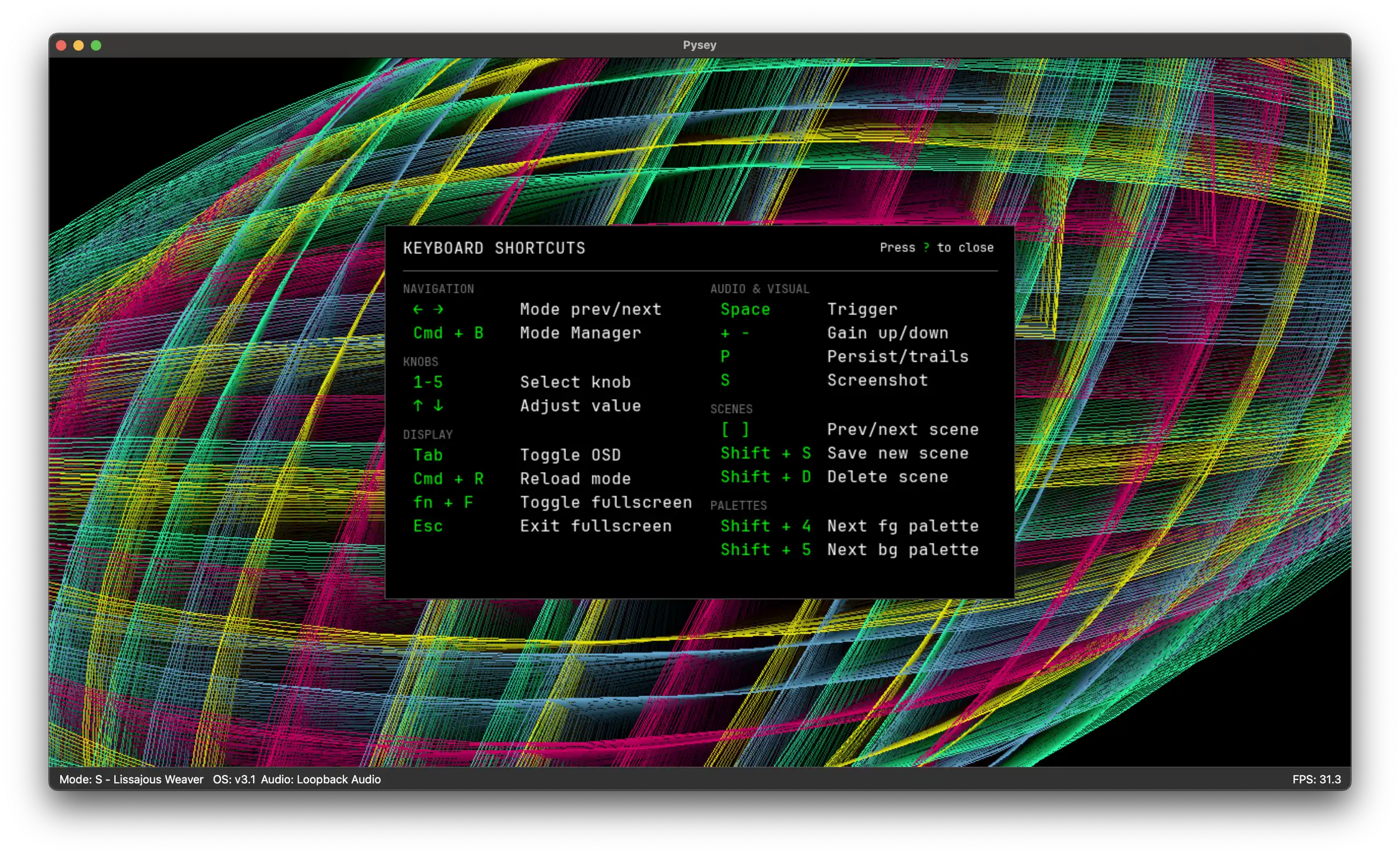
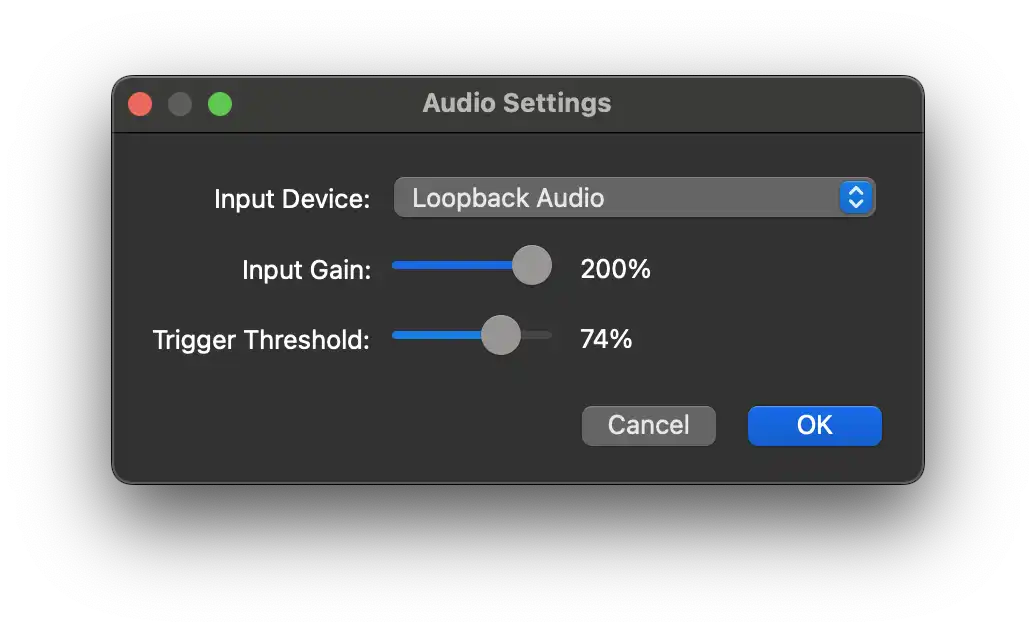
The core function is straightforward: Pysey runs EYESY modes in a desktop window, unmodified, on macOS. The same Python script that runs on your EYESY hardware runs in Pysey. You get the same audio reactivity, the same five virtual knobs, the same 30fps rendering loop — just on your laptop instead of the box.
Beyond the basic emulation, there are a few things I built in that make it more useful for performance as well as development:
- Multiple video outputs. Syphon for routing into VJ software like Resolume, NDI for network broadcast, and OBS Virtual Camera so you can use EYESY visuals in Zoom, Teams, or OBS directly.
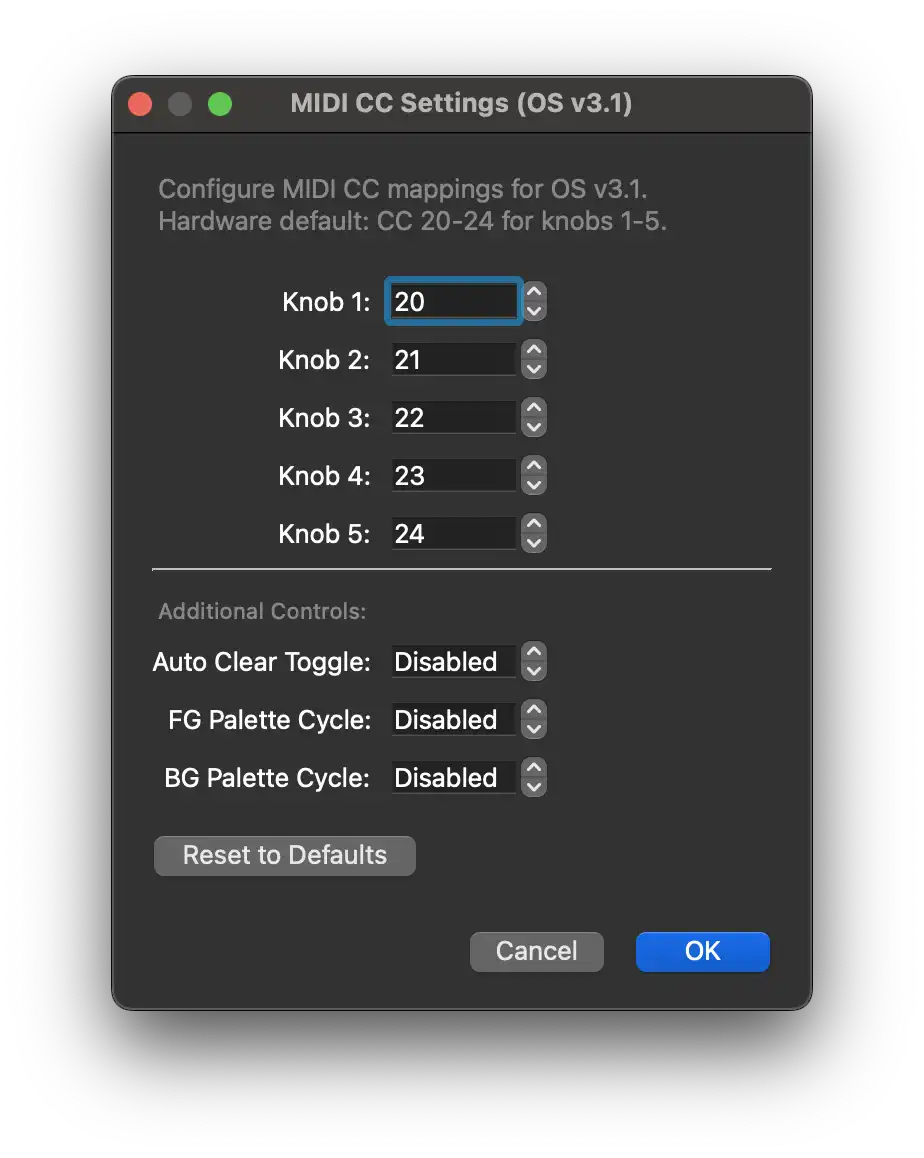
- MIDI control. Connect a hardware MIDI controller and use it to drive the virtual knobs the same way you would with EYESY hardware.
- Ableton Link. Tempo sync across Ableton Live, Traktor, or any of the 300+ apps that support Ableton Link — useful if you want your visuals synced to a live set.
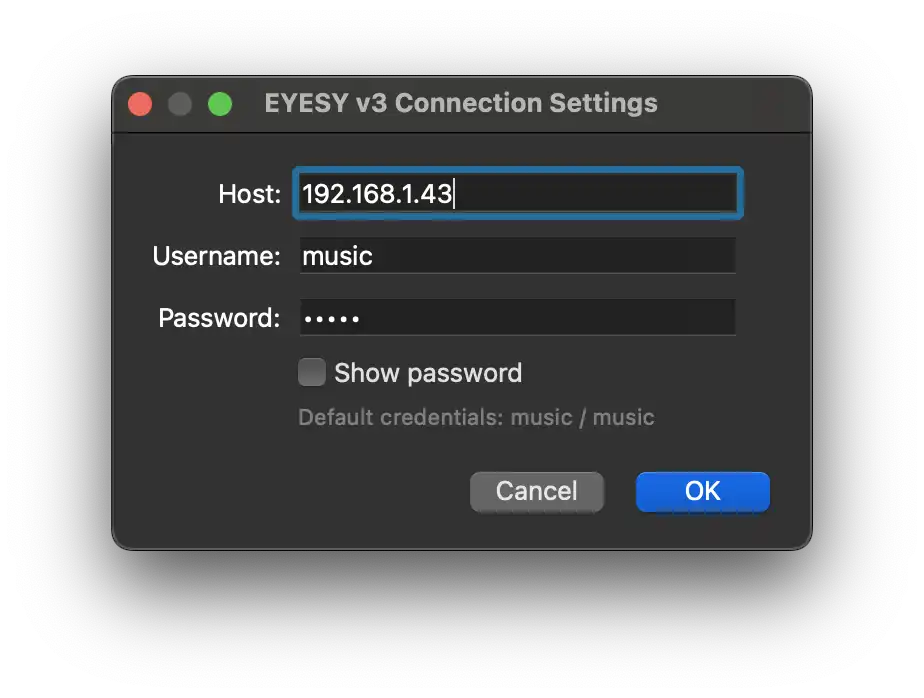
- Hardware connection. Pysey can connect to a real EYESY over SSH and push modes and scenes to it directly. You develop in the emulator and deploy to hardware without leaving the app.
- Mode browser. Browse and install modes from the community, including anything on Patchstorage, without leaving the app.
It supports both EYESY OS versions — the original v2.3 (Python 2.7) and the current v3.1 (Python 3.11). It even has a compatibility shim that lets you run Python 2 modes on v3.1 without modifying them, which covers most of the existing community mode library. For what it’s worth, I prefer the EYESY OS v2.3, as the latest hardware OS has some minor regressions I don’t love.










There are no comments yet, add one below.